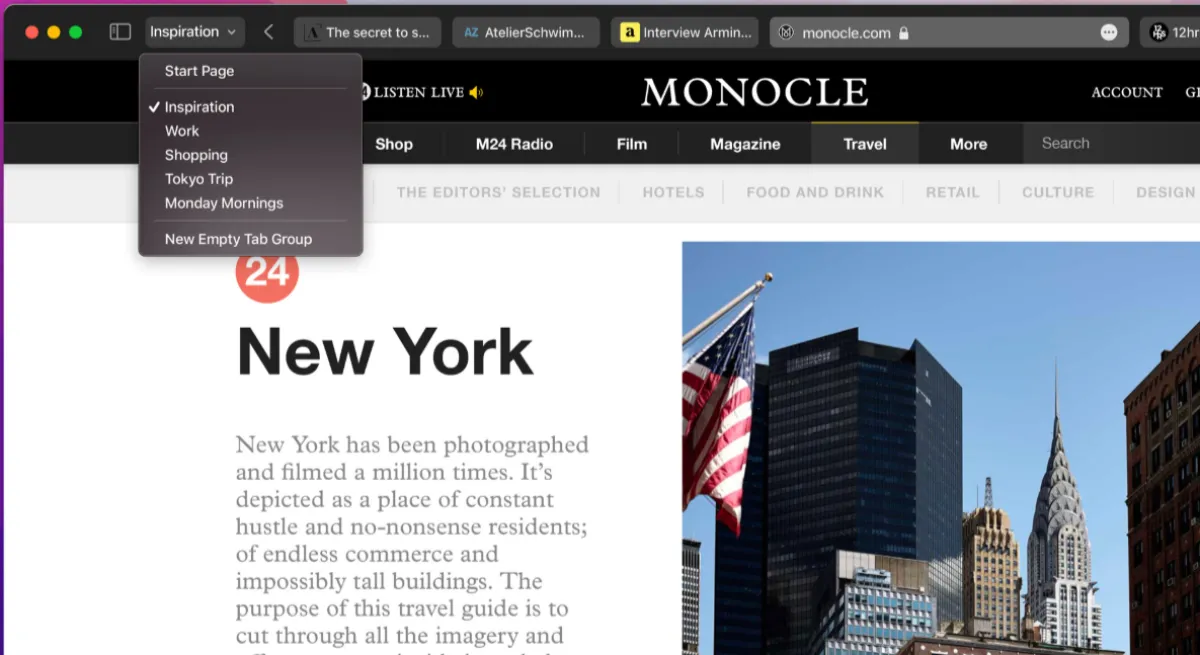
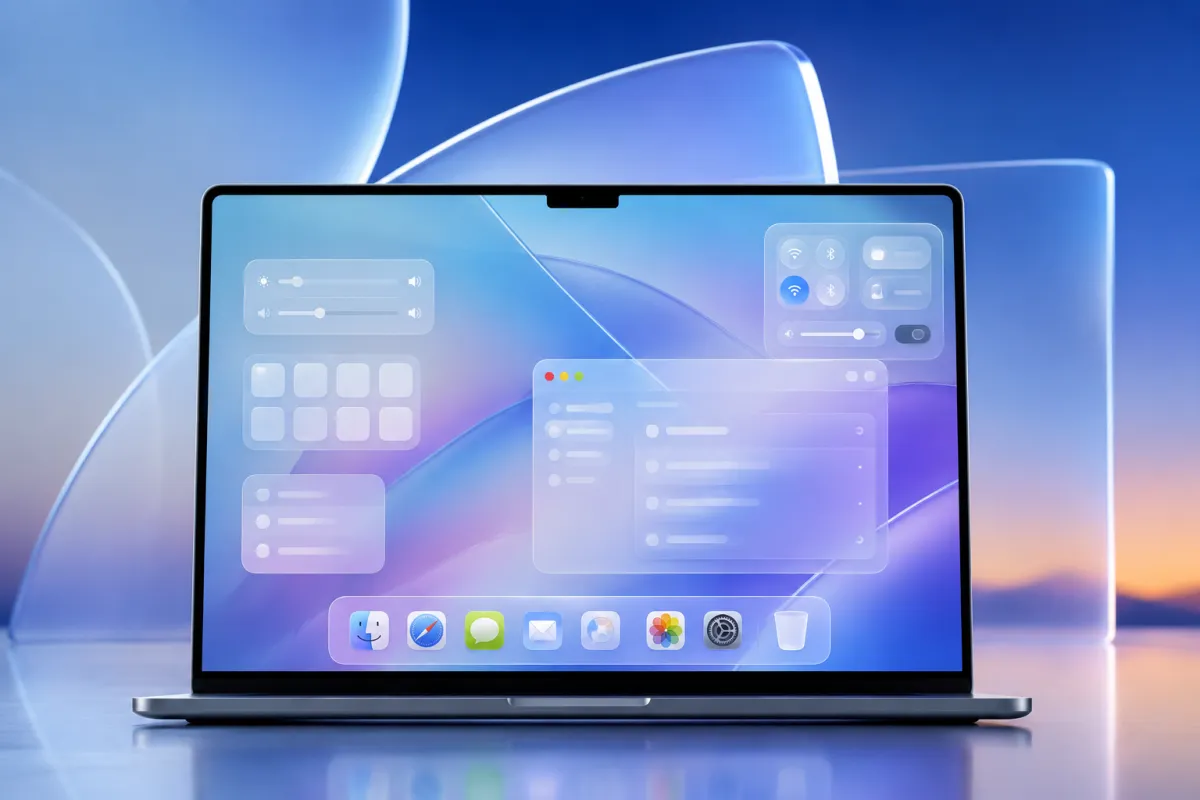
Apple’s new “Liquid Glass” design language created massive discussion across the tech community after its recent introduction. While many users appreciated the futuristic and transparent visual style, others criticized readability issues, excessive translucency, and inconsistent UI behavior across macOS.
Now, according to recent reports and developer discussions, Apple may already be preparing several Liquid Glass refinements for the next macOS update.
The company has not officially confirmed the exact changes yet, but early information suggests Apple is listening closely to feedback from both developers and everyday users.
What Is Apple’s Liquid Glass Design?
The Liquid Glass interface is Apple’s modern visual direction focused on:
- Transparent layered windows
- Frosted glass effects
- Dynamic reflections and lighting
- Floating UI components
- More depth throughout macOS
The design attempts to make macOS feel cleaner and more immersive while aligning the desktop experience with Apple’s broader ecosystem styling.
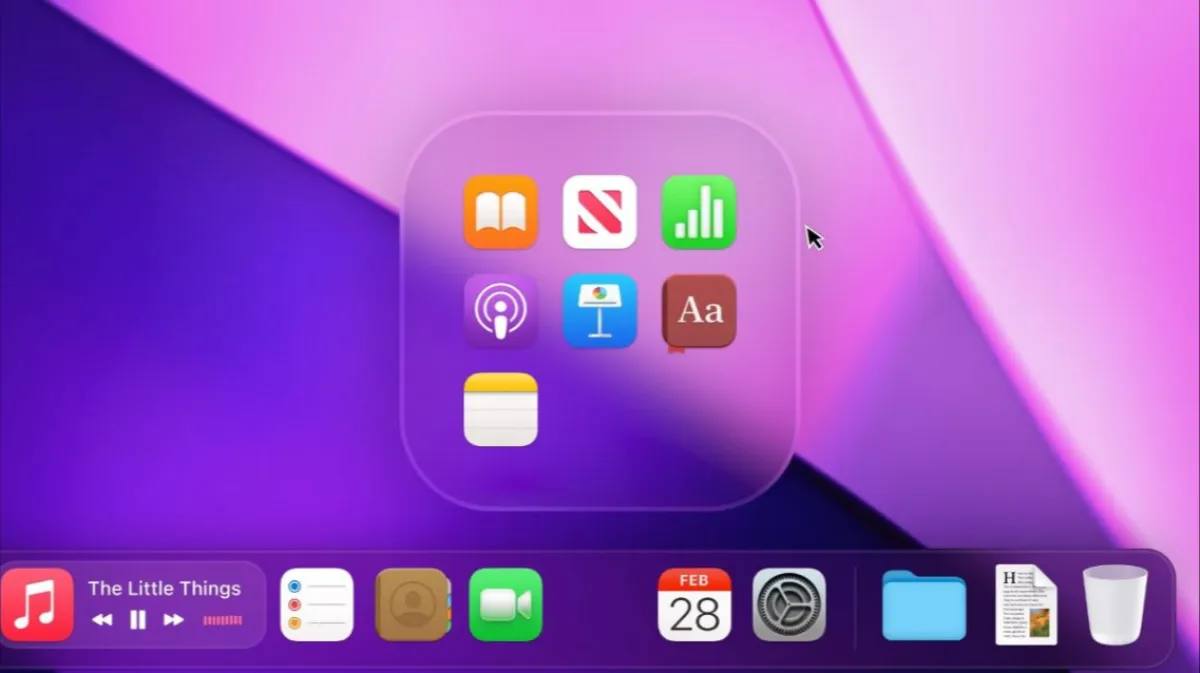
However, shortly after the rollout, many users pointed out several usability concerns.
Why Some Users Complained
Although visually impressive, Liquid Glass reportedly introduced a few practical issues:
1. Reduced Readability
Transparent backgrounds sometimes made text harder to read, especially on busy wallpapers or bright screens.
2. Increased Visual Distractions
Animations and layered effects occasionally felt excessive for productivity-focused workflows.
3. Battery & Performance Concerns
Some users noticed increased GPU usage on older Macs due to the heavier graphical rendering.
4. Inconsistent App Behavior
Not all apps adapted perfectly to the new design system, creating a mixed visual experience across macOS.
What Apple Could Change Next
Reports suggest Apple may introduce several adjustments in the upcoming macOS update.
Potential tweaks include:
- Reduced transparency intensity
- Better contrast for menus and notifications
- Smarter adaptive blur effects
- Improved accessibility settings
- Performance optimizations for Intel and older Apple Silicon Macs
- More customization options for UI appearance
These changes would allow Apple to preserve the modern aesthetic while improving usability.
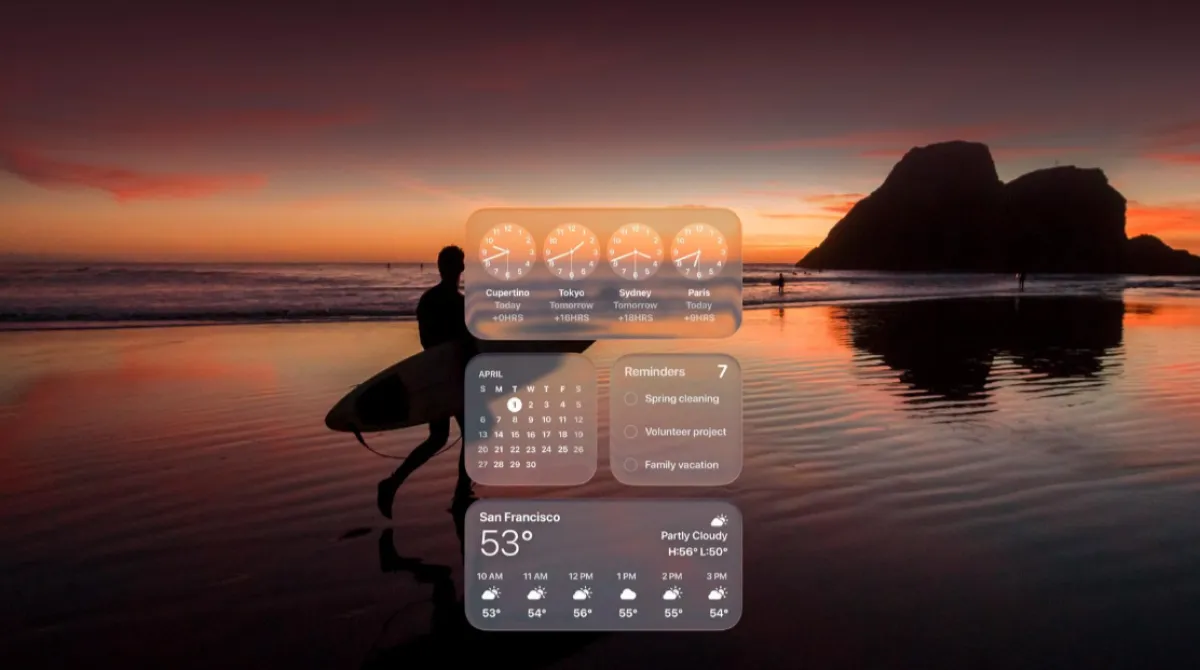
Apple Has Done This Before
Apple frequently adjusts major interface redesigns after user feedback.
Past examples include:
- iOS 7 transparency reductions
- Safari tab redesign changes
- macOS Big Sur visual refinements
- Dynamic Island software behavior updates
Because of this history, it would not be surprising if Apple fine-tunes Liquid Glass quickly.
When Could the Update Arrive?
Industry speculation points toward the next macOS beta cycle or a minor feature update arriving within the next few months.
Developers are expected to test the refinements before a wider public rollout.
Apple typically responds fast when UI feedback becomes widespread, especially regarding accessibility and performance.
Final Thoughts
Liquid Glass remains one of Apple’s boldest visual redesign attempts in recent years. While the futuristic appearance impressed many users, the mixed feedback shows that aesthetics alone are not enough for daily desktop workflows.